
What Are the Topics in Advanced Excel?
Microsoft Excel remains one of the most powerful and widely used tools in business, finance, analytics, operations, and reporting. While basic Excel skills such as simple formulas and formatting are useful, today’s employers expect professionals to understand advanced Excel concepts that improve productivity, automate workflows, and enable data-driven decisions.
If you are asking, “What are the topics in advanced Excel?”, this comprehensive guide provides a structured, beginner-friendly explanation of every important topic you need to learn. This article is written in clear, professional English and designed to help learners, students, and working professionals understand the complete advanced Excel ecosystem.

Why Learn Advanced Excel?
Excel, developed by Microsoft Corporation, is part of the widely used Microsoft Excel platform. It is used across industries for:
- Financial reporting
- Business analytics
- Budget forecasting
- Inventory management
- Payroll processing
- Data visualisation
- MIS reporting
Basic Excel knowledge is no longer enough. Advanced Excel skills help professionals:
- Automate repetitive tasks
- Analyse large datasets
- Create dynamic dashboards
- Reduce manual errors
- Improve reporting efficiency
Understanding the topics in advanced Excel can significantly improve employability and career growth.
Step-by-Step List: What Are the Topics in Advanced Excel?
Below is a structured breakdown of the most important advanced Excel topics for beginners.
1. Advanced Excel Formulas and Functions
One of the core areas of advanced Excel is mastering complex formulas.
Lookup and Reference Functions
These are essential for data matching and reporting:
- VLOOKUP
- HLOOKUP
- XLOOKUP
- INDEX
- MATCH
- INDEX + MATCH combination
These functions help retrieve data from large tables efficiently.
Logical Functions
Logical functions allow decision-based calculations:
- IF
- Nested IF
- IFERROR
- IFS
- AND
- OR
They are widely used in finance and business reports.
Text Functions
Text manipulation is essential for cleaning data:
- LEFT
- RIGHT
- MID
- LEN
- TRIM
- CONCAT
- TEXT
These functions help in formatting and extracting specific information.
Date and Time Functions
Advanced Excel includes powerful date tools:
- TODAY
- NOW
- EOMONTH
- DATEDIF
- WORKDAY
- NETWORKDAYS
These are critical for payroll, project planning, and HR management.
Statistical and Financial Functions
Important for analysts and accountants:
- SUMIFS
- COUNTIFS
- AVERAGEIFS
- PMT
- NPV
- IRR
These functions support financial modeling and data analysis.
2. Pivot Tables and Pivot Charts
Pivot Tables are among the most powerful tools in advanced Excel.
They allow users to:
- Summarize large datasets
- Group and filter data
- Create custom reports
- Analyze trends
Pivot Charts help visualize pivot table summaries dynamically.
This topic is essential for data analysis and MIS reporting roles.
3. Data Validation and Data Cleaning
Advanced Excel includes tools for managing and validating data.
Data Validation
- Dropdown lists
- Restricting data types
- Custom input rules
This ensures accurate data entry.
Data Cleaning Tools
- Remove duplicates
- Text to columns
- Flash Fill
- Find and Replace
- Error checking
Data cleaning is critical in analytics and reporting roles.
4. Conditional Formatting
Conditional formatting helps visualize patterns.
You can:
- Highlight duplicates
- Identify top/bottom values
- Apply color scales
- Use data bars
This improves data readability and insight discovery.
5. Advanced Charting and Data Visualization
Data visualization is a key advanced Excel topic.
You will learn to create:
- Combo charts
- Dynamic charts
- Sparklines
- Waterfall charts
- Funnel charts
These tools are essential for management reporting.
6. Named Ranges and Structured Tables
Named ranges improve formula clarity and reduce errors.
Structured tables:
- Automatically expand
- Support dynamic formulas
- Simplify referencing
These are important for professional spreadsheets.
7. What-If Analysis Tools
Advanced Excel includes forecasting tools such as:
- Goal Seek
- Scenario Manager
- Data Tables
These are heavily used in finance and budgeting.
8. Power Query (Data Transformation)
Power Query is a powerful data transformation tool in Excel.
It helps:
- Import data from multiple sources
- Clean and transform datasets
- Merge tables
- Automate repetitive data tasks
Power Query is essential for handling large datasets.
9. Power Pivot and Data Modeling
Power Pivot enables advanced data modeling.
You can:
- Create relationships between tables
- Build data models
- Use DAX formulas
- Perform large-scale analysis
This is useful for business intelligence roles.
10. Macros and VBA (Automation)
Macros allow automation of repetitive tasks.
VBA (Visual Basic for Applications) enables custom programming in Excel.
With VBA, you can:
- Create automation tools
- Build custom dashboards
- Develop Excel-based applications
- Automate reporting systems
Automation skills are highly valued in corporate environments.
11. Dashboard Creation
Advanced Excel includes dashboard development skills.
A dashboard combines:
- Pivot tables
- Charts
- Slicers
- KPIs
Dashboards help management make data-driven decisions.
12. Data Protection and Security
Advanced Excel includes security features such as:
- Protecting sheets
- Password protection
- Restricting editing
- Data encryption
This ensures data integrity.
13. Advanced Sorting and Filtering
Advanced filtering includes:
- Custom filters
- Advanced filter tool
- Filter by criteria
- Sorting by multiple levels
These tools help manage large datasets effectively.
14. Collaboration and Sharing Features
Modern Excel includes:
- Shared workbooks
- Track changes
- Comments
- Cloud integration via OneDrive
These features support team collaboration.
15. Excel Shortcuts and Productivity Techniques
Efficiency is part of advanced Excel.
Learning keyboard shortcuts:
- Increases speed
- Reduces dependency on mouse
- Improves workflow
Productivity techniques include:
- Formula auditing
- Trace precedents
- Evaluate formula
Who Should Learn Advanced Excel?
Advanced Excel is beneficial for:
- Students
- Commerce graduates
- MBA students
- Accountants
- Data analysts
- HR professionals
- Engineers
- Finance executives
- Business owners
Anyone working with data can benefit.
Benefits of Learning Advanced Excel
1. Higher Employability
Most companies require advanced Excel skills.
2. Better Salary Packages
Advanced Excel professionals earn more than basic users.
3. Productivity Boost
Automating tasks saves time.
4. Career Growth
Excel is a foundation for analytics and BI careers.
Salary After Learning Advanced Excel
Entry-level roles:
₹20,000 – ₹35,000 per month
Mid-level professionals:
₹40,000 – ₹70,000 per month
Advanced analysts:
₹80,000+ per month
Salaries vary by experience and industry.
Career Opportunities After Advanced Excel
Job roles include:
- MIS Executive
- Data Analyst
- Business Analyst
- Financial Analyst
- Operations Analyst
- Reporting Specialist
Advanced Excel also prepares you for:
- Power BI
- Data Analytics
- Financial Modeling
- Automation roles
How Long Does It Take to Learn Advanced Excel?
- Basic advanced topics: 1–2 months
- Automation and dashboards: 2–3 months
- Complete mastery: 4–6 months
Consistency and practice are key.
Is Advanced Excel Difficult for Beginners?
No. If learned step-by-step, advanced Excel is logical and structured.
Start with:
- Advanced formulas
- Pivot tables
- Charts
- Data tools
- Automation
Avoid jumping directly to VBA without foundation.
Common mistakes students make when learning the topics in Advanced Excel.
1. Not Understanding Basic Excel First
Many students jump directly into Advanced Excel topics without learning the basics such as formulas, cell references, and formatting. Without a strong foundation, advanced concepts become confusing.
2. Overusing VLOOKUP Instead of Modern Functions
Students often rely only on VLOOKUP, while ignoring more powerful and flexible functions like INDEX + MATCH or XLOOKUP.
3. Ignoring Data Cleaning Before Analysis
A common mistake is analyzing unclean data. Students forget to remove duplicates, fix formatting, or standardize data before using Pivot Tables or formulas.
4. Not Understanding Absolute and Relative References
Many learners misuse $ (absolute references) in formulas, which leads to incorrect calculations when formulas are copied across cells.
5. Creating Complex Formulas Instead of Using Built-in Tools
Students sometimes create long formulas when Excel tools like Pivot Tables, Power Query, or Filters can do the same work more efficiently.
6. Not Using Data Validation
Beginners often skip data validation, which helps control data entry and prevents errors in spreadsheets.
7. Poor Data Organization
Advanced Excel works best with well-structured data. Students often use merged cells, blank rows, or inconsistent formats, which makes analysis difficult.
8. Avoiding Automation Tools
Many learners do not explore Macros and VBA, even though they can automate repetitive tasks and improve productivity.
9. Not Practicing with Real Data
Students focus only on theory and small examples instead of practicing with large real-world datasets, which limits their understanding.
10. Not Learning Data Visualization
Advanced Excel also includes charts and dashboards, but many students focus only on formulas and ignore the importance of visualizing data.
FAQ's
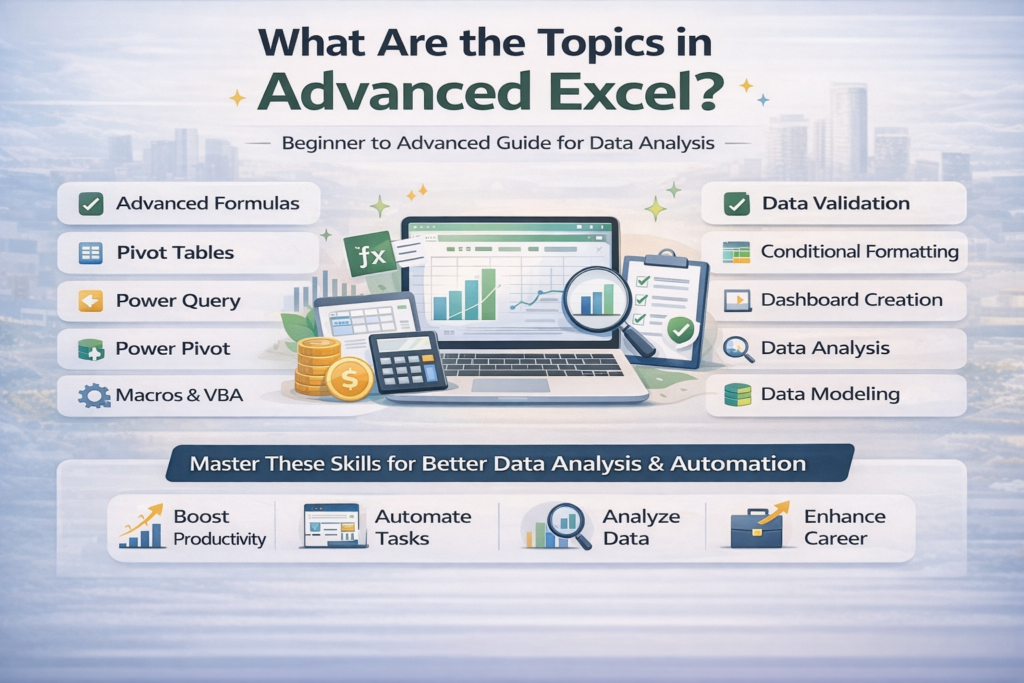
Advanced Excel topics include Pivot Tables, Power Query, Power Pivot, Advanced Formulas, Data Validation, Macros, VBA, Conditional Formatting, Dashboard Creation, and Data Analysis tools. These features help users manage and analyse large datasets efficiently.
Advanced Excel includes formulas such as INDEX, MATCH, VLOOKUP, HLOOKUP, XLOOKUP, IF, SUMIFS, COUNTIFS, OFFSET, and INDIRECT. These formulas are used for complex data analysis and automation.
A Pivot Table is a powerful Excel tool that helps summarize, analyze, and organize large datasets. It allows users to quickly generate reports and insights by grouping and filtering data.
Power Query is a data transformation tool used to import, clean, and reshape data from different sources such as Excel files, databases, and web pages.
Power Pivot allows users to create advanced data models and perform complex calculations using large datasets. It is commonly used for business intelligence and reporting.
Macros automate repetitive tasks in Excel. By recording or writing macro code, users can perform complex actions automatically, saving time and improving productivity.
VBA (Visual Basic for Applications) is a programming language used in Excel to automate tasks, build custom functions, and create advanced applications within Excel.
Excel dashboards are interactive visual reports created using charts, Pivot Tables, and slicers. They help users track key performance indicators (KPIs) and business data.
Advanced Excel helps professionals analyze data faster, automate tasks, create reports, and make better business decisions. It is widely used in finance, accounting, marketing, and data analysis.
Advanced Excel is ideal for accountants, data analysts, finance professionals, digital marketers, business analysts, and students who want to improve their data handling and reporting skills.